Thock
Mechanical keyboard sounds for your MacBook.
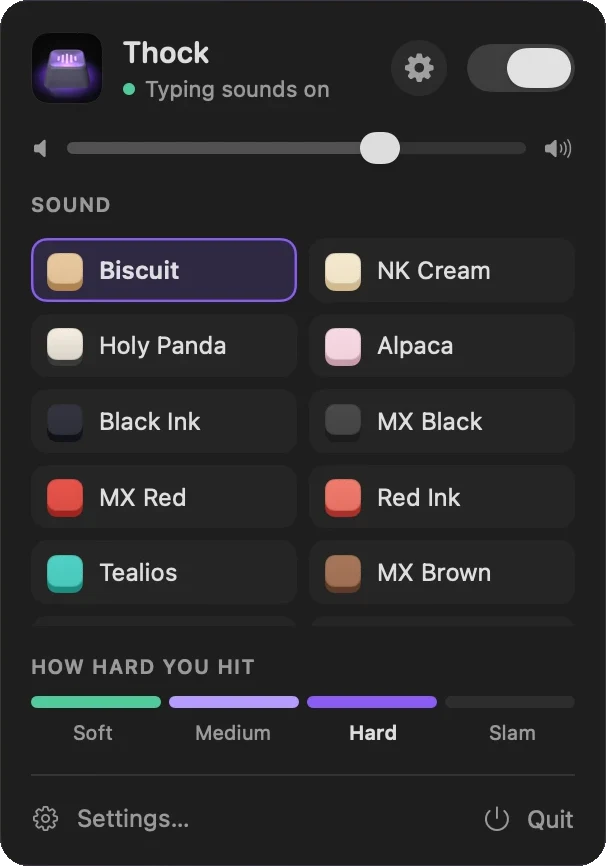
Thock lives in the menu bar and makes your MacBook keyboard sound like a real mechanical keyboard. The harder you hit a key, the louder it clicks.
macOS 13 Ventura or later · version 1.0.1
Try it
Hear it beforeyou download.
Type on your own keyboard, or tap the keys below. These are Thock's real sound packs. Best with headphones.
How hard you hit
On a MacBook, Thock feels this through the motion sensor. Here you choose it.
Then just start typing
Feels every press
Hold the key to charge it, let go to hit. A tap is soft, a long press is a slam.
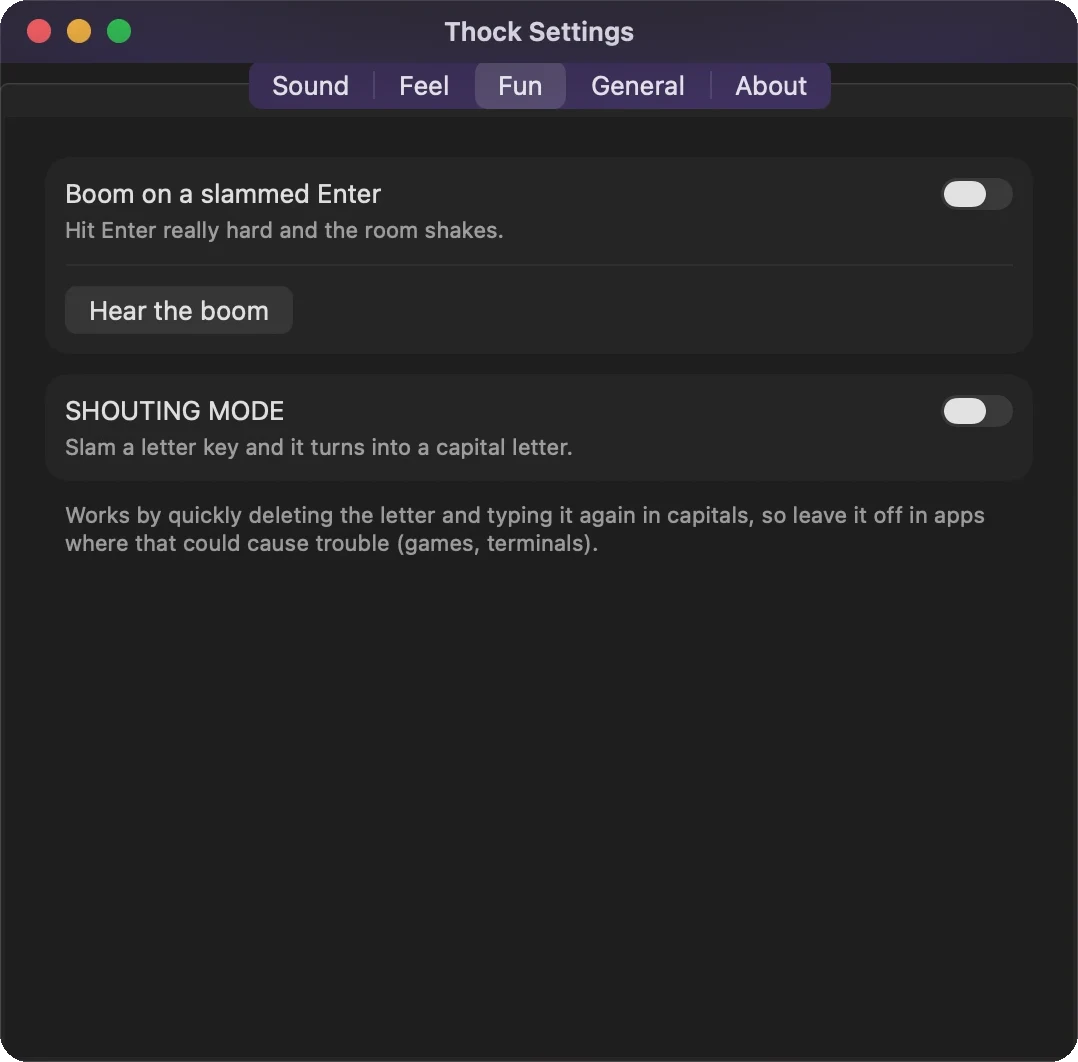
Boom on a slammed Enter
Finish a message with a slam and Thock adds a deep boom.
Stereo by key position
Keys on the left come from the left speaker, keys on the right from the right. Put on headphones.
Pitch variety
Every click is a little different, so long typing never sounds like a loop. Hear the same key eight times.
Clarity filter
Takes the low rumble out of each click so it stays crisp on small speakers.
Shouting mode
Slam a letter and it turns into a capital. Watch.
Sounds: Thock's bundled packs, recorded by the Mechvibes and ClickClack contributors, used under the MIT License. The web demo plays them at lower quality to keep the page light.
How it works
3 steps to Thock.
01
Pick a sound pack
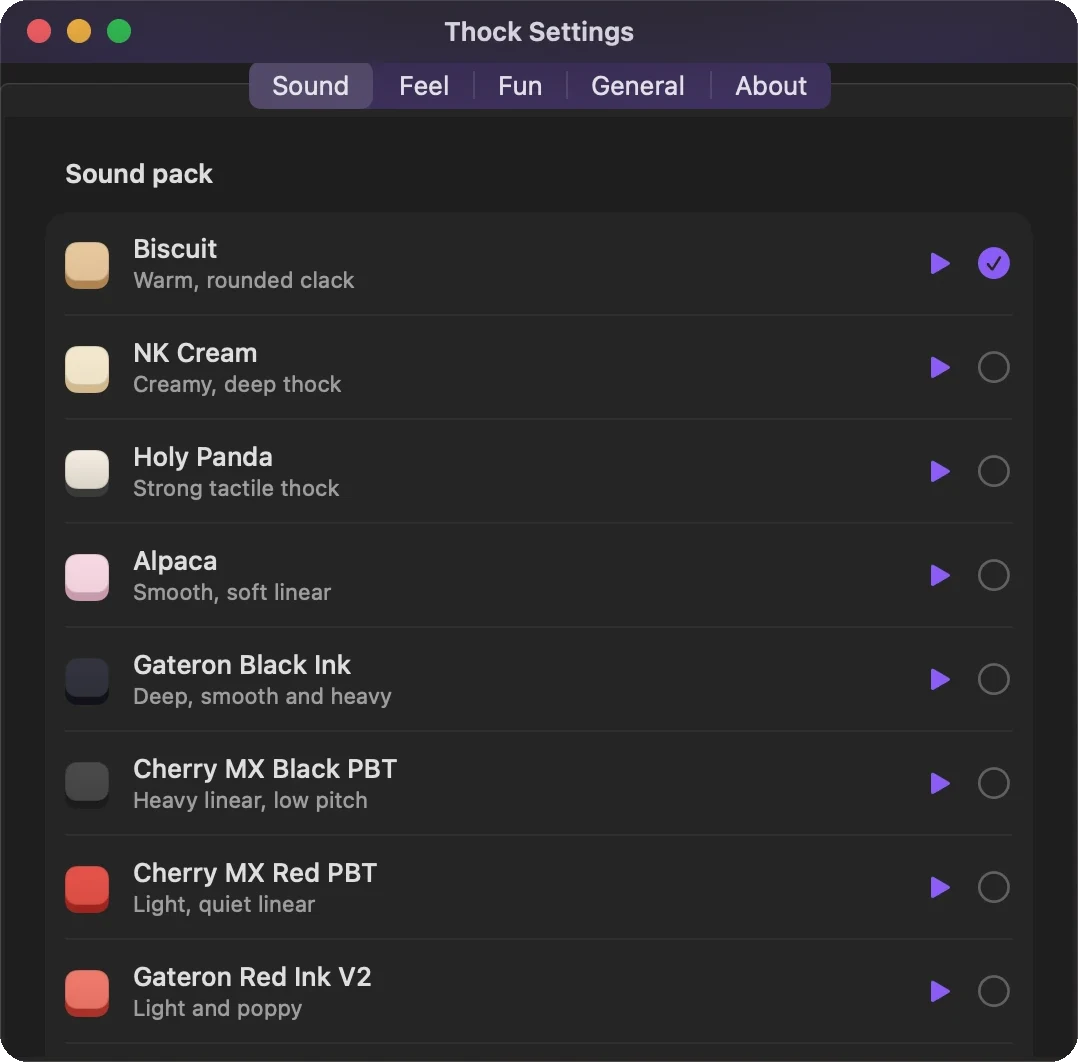
16 real switches, from Cherry MX and Holy Panda to NK Cream, Topre and Buckling Spring. Play each one before you choose.
02
It feels how hard you type
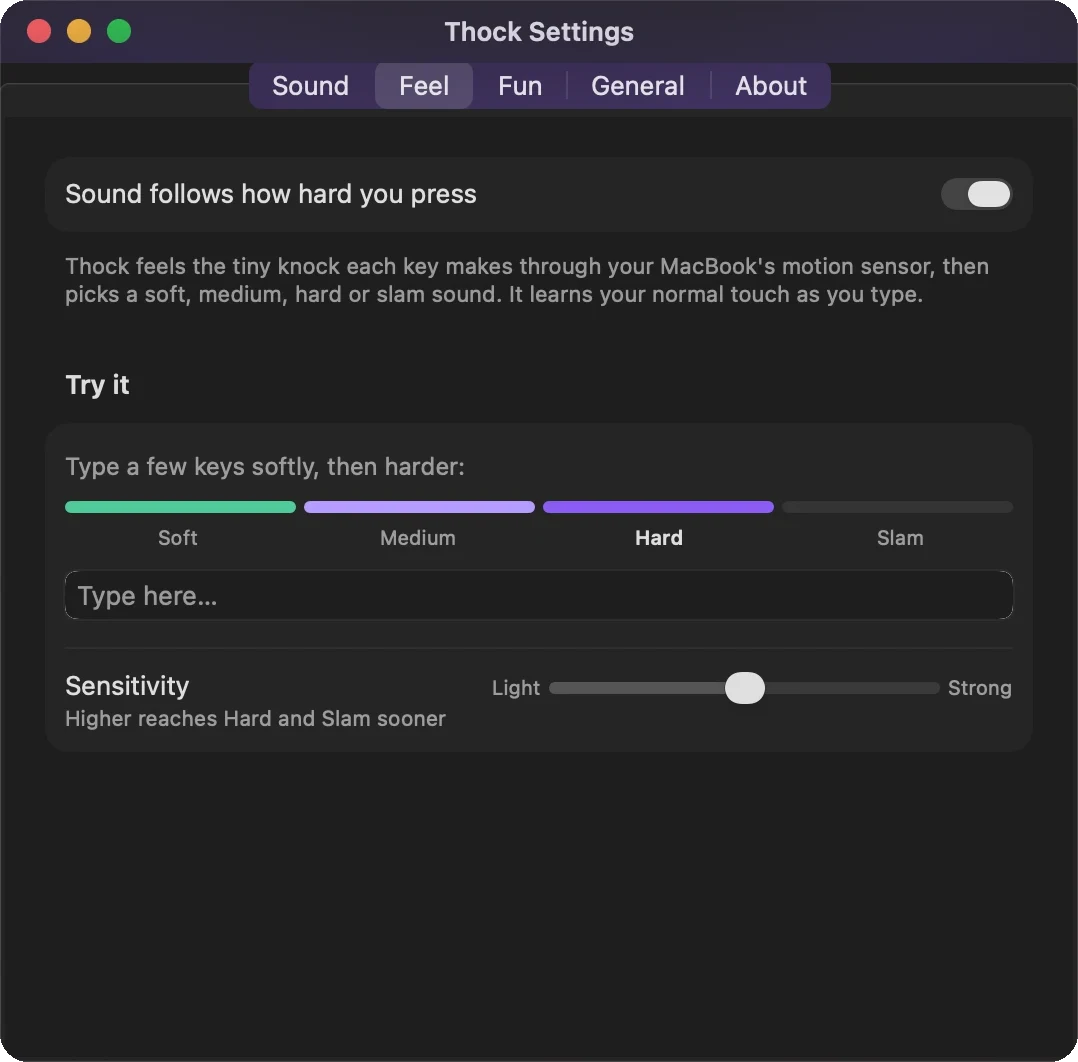
The MacBook's motion sensor feels the knock of every key. Thock plays a soft, medium, hard or slam sound and learns your normal touch.
03
Turn on the fun
A boom when you slam Enter, and Shouting mode, which turns a slammed letter into a capital.
Features
Everythinginside.
16 sound packs
Cherry MX, Holy Panda, NK Cream, Topre, Buckling Spring and more real mechanical keyboard sounds.
Feels every press
Soft, medium, hard or slam, read from the MacBook's built-in motion sensor.
Stereo by key position
Keys on the left sound from the left speaker, keys on the right from the right.
Pitch variety
Every click is a little different, so long typing never sounds like a loop.
Clarity filter
Keeps each click crisp and clean.
Quiet with headphones
Connect headphones and Thock goes quiet by itself.
The story
Thock started as a simple question: what if a MacBook keyboard could sound like the mechanical keyboards people love, and react to how hard you actually type?
Questions
Is Thock free?
Yes. Thock is free to download and use.
Which Macs does it run on?
Any Mac on macOS 13 Ventura or later. One universal app for Apple Silicon and Intel.
Why does macOS block it the first time?
Thock is not notarised by Apple yet. Open System Settings, then Privacy & Security, and click Open Anyway. You only do this once.
Does Shouting mode change what I type?
Yes. It deletes the slammed letter and types it again as a capital, so leave it off in games and terminals.
More apps